
Visual note-taking on an infinite canvas
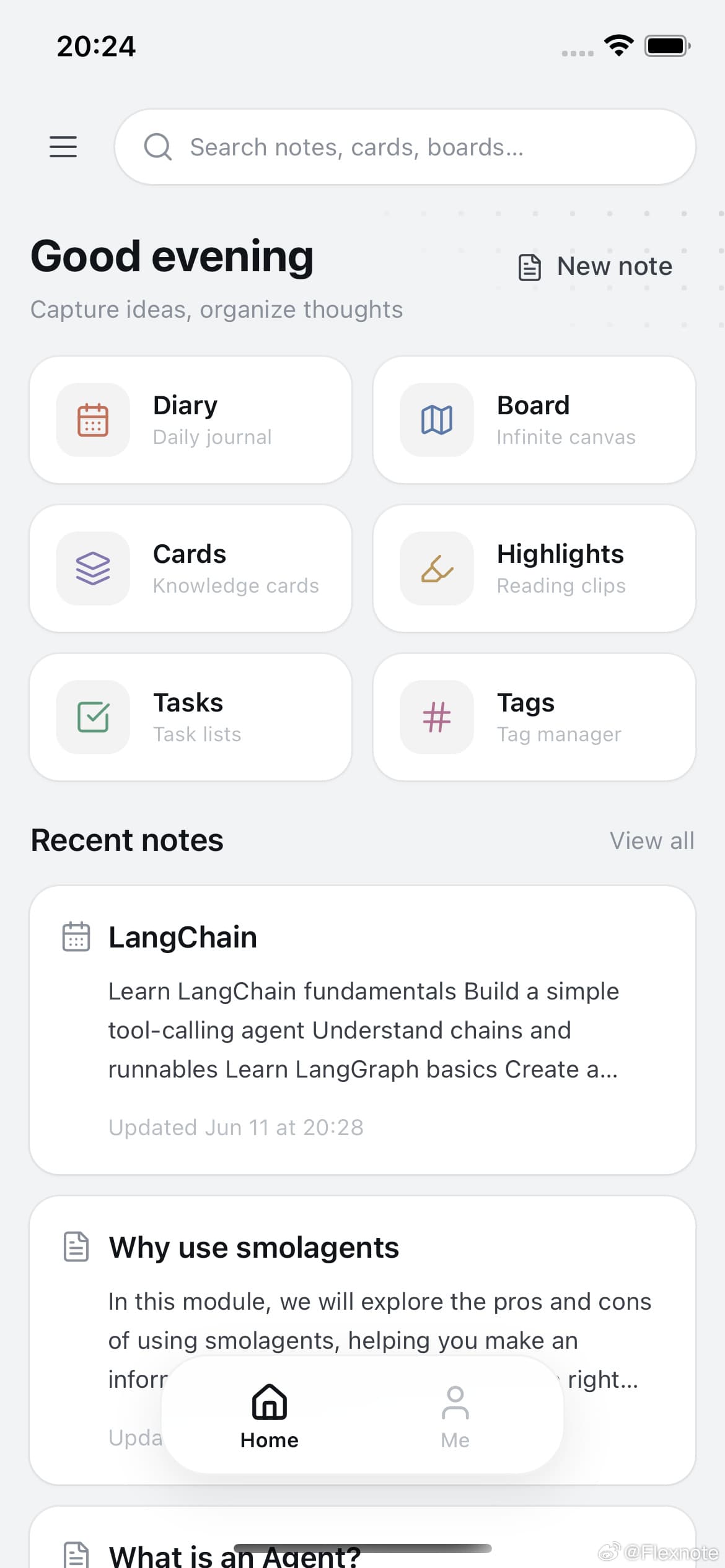
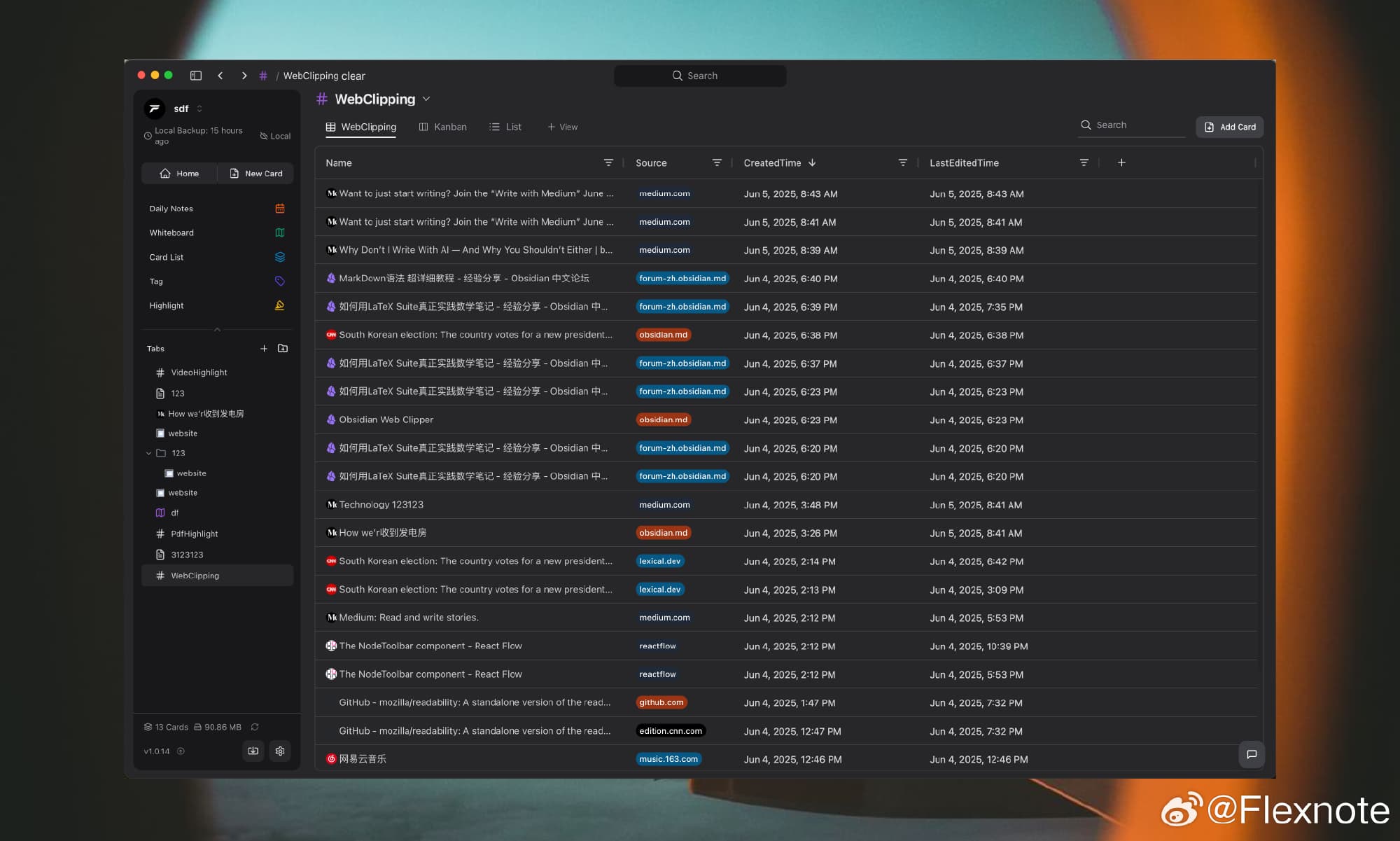
A local-first infinite canvas note-taking app with mind maps, tag databases, and knowledge-base AI. Supports YouTube video notes and PDF annotation.
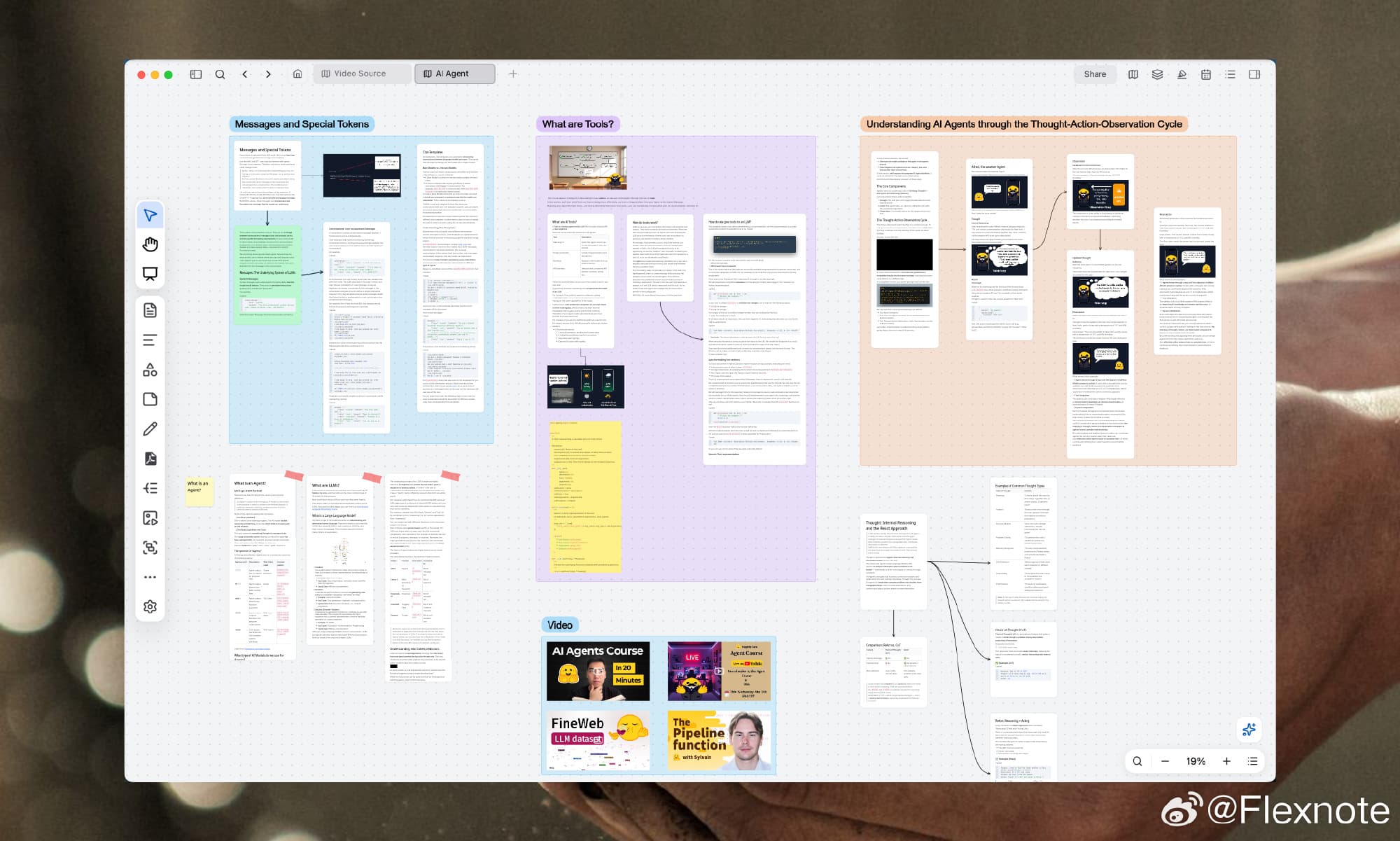
- 画布
- 数据库
- 标注
- 写作
- 发布
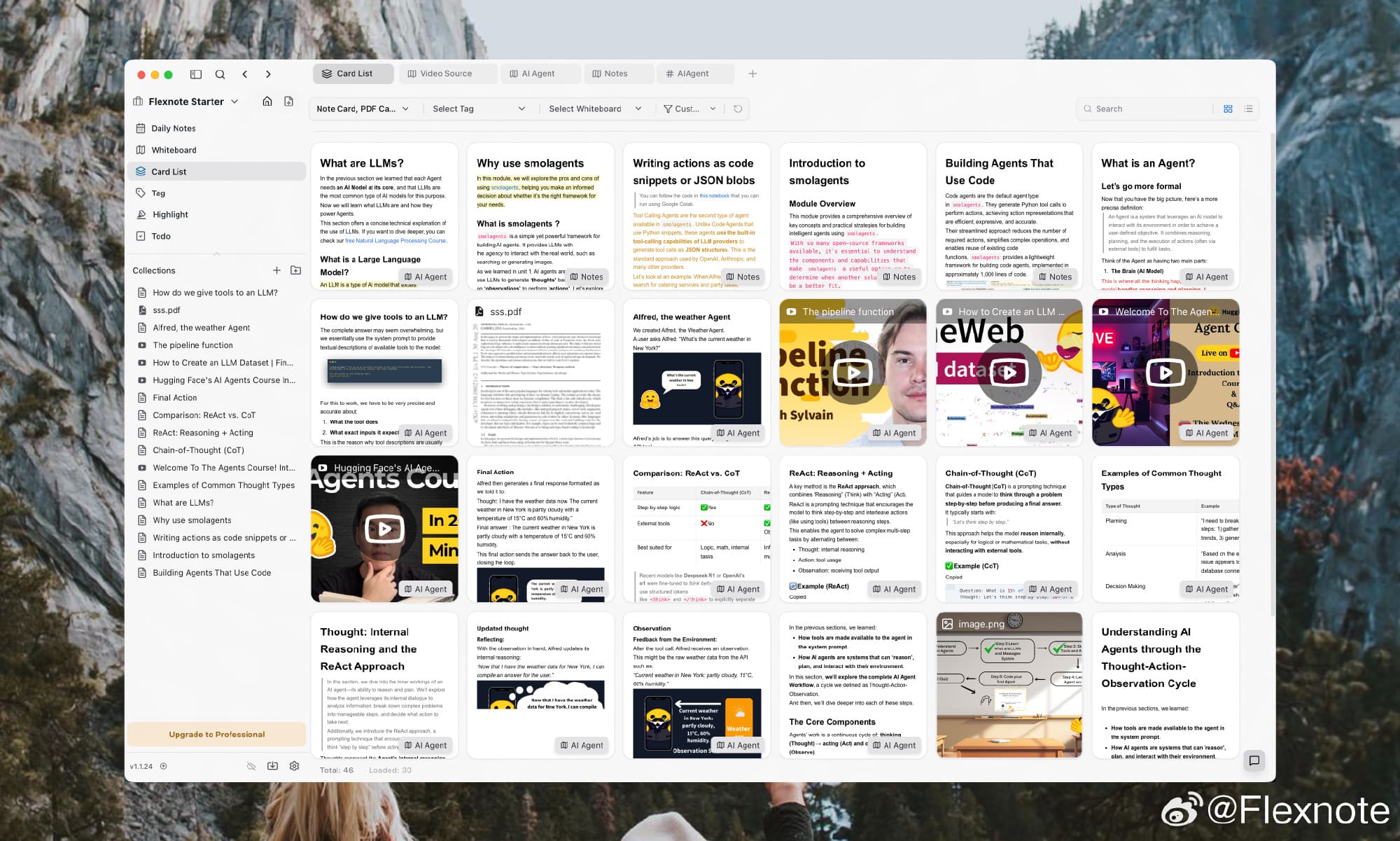
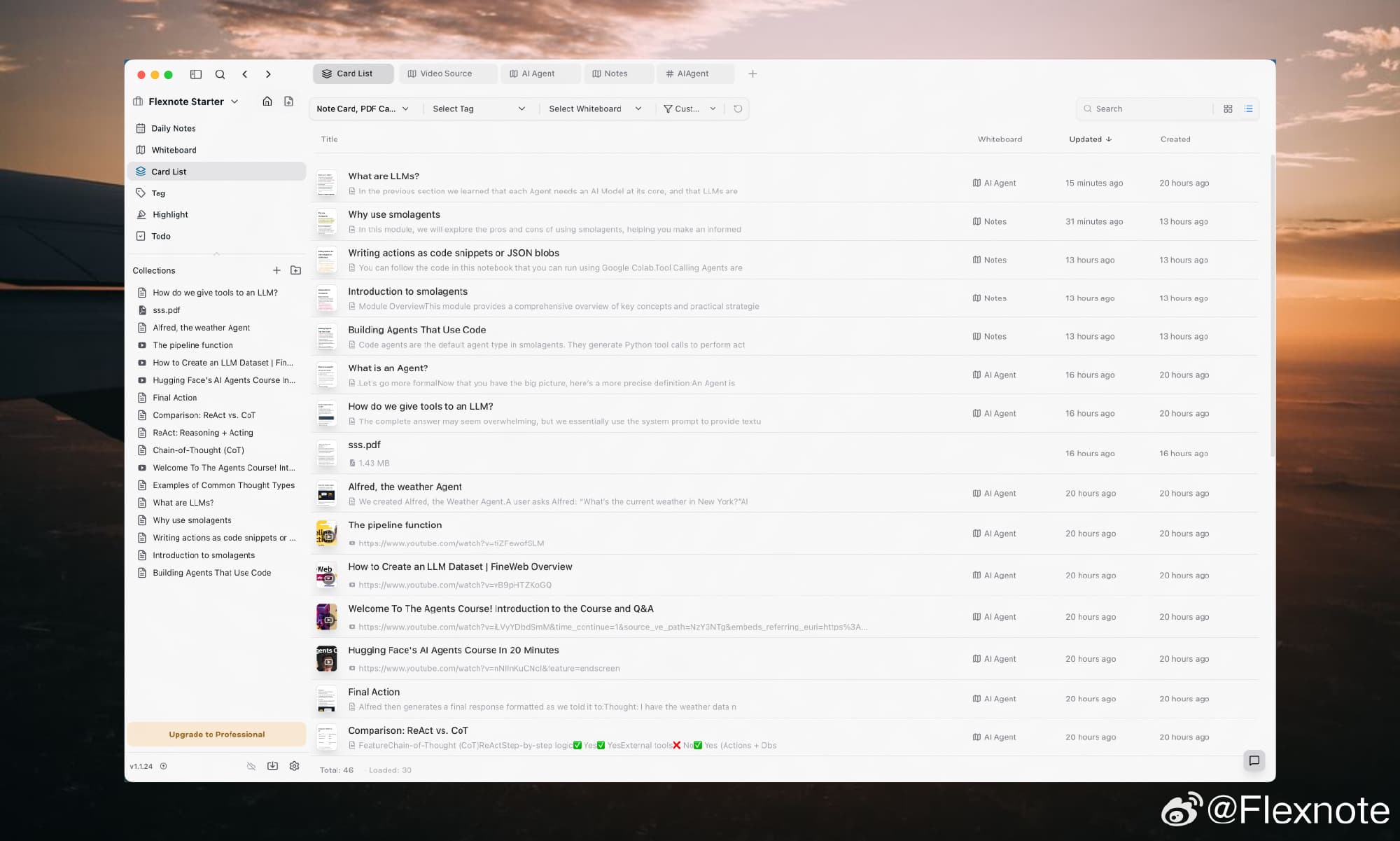
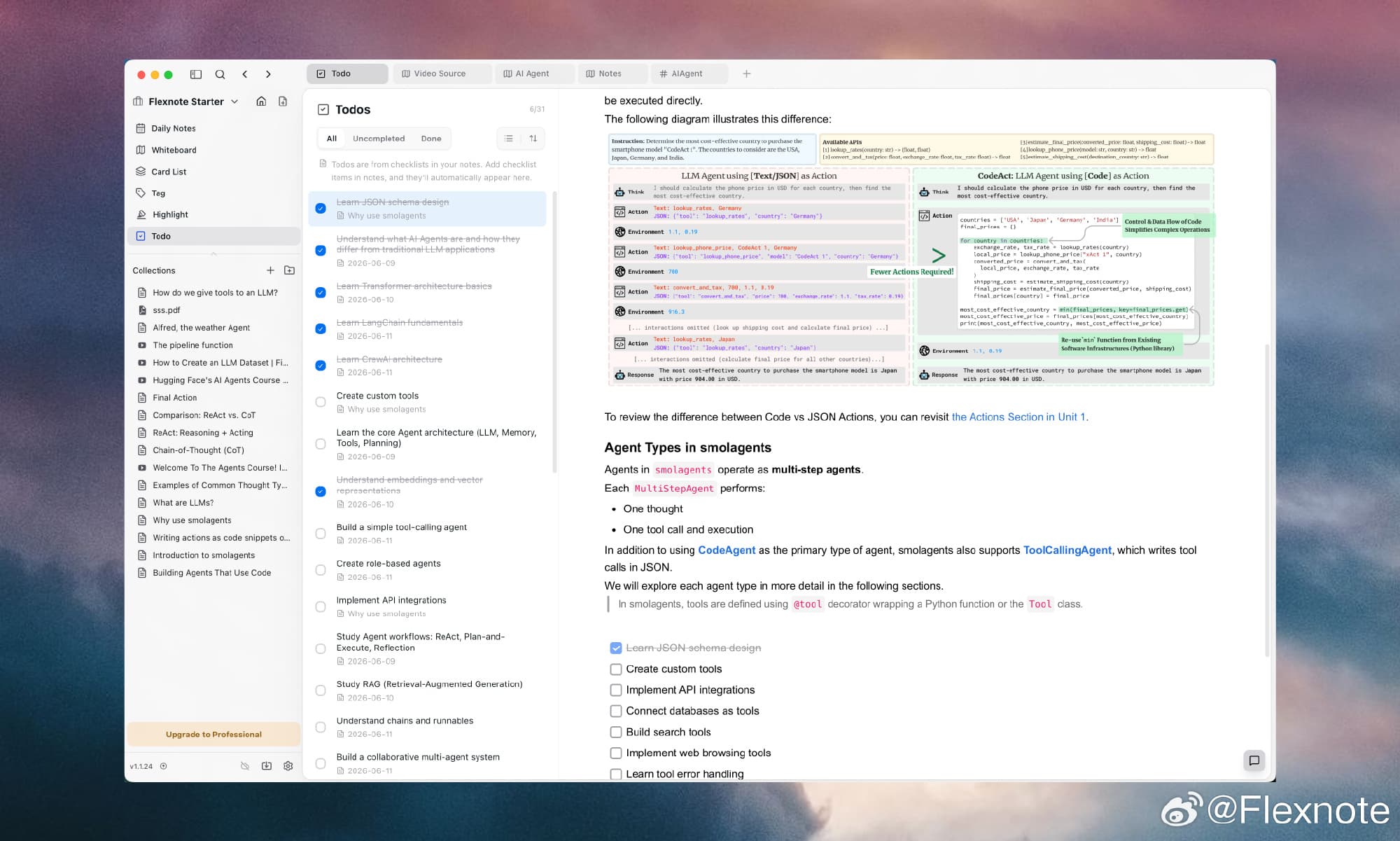
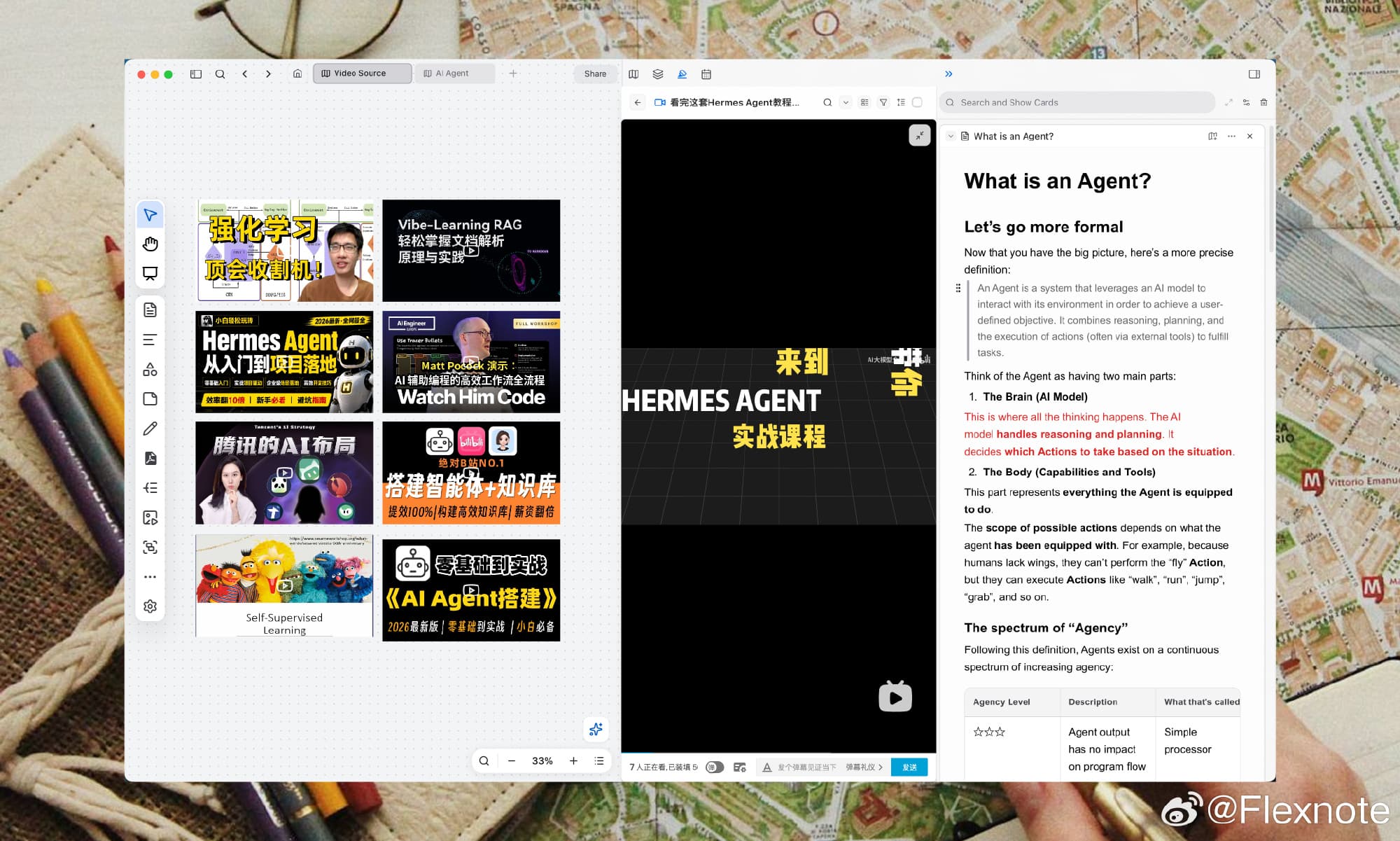
Annotate PDFs and videos on the canvas
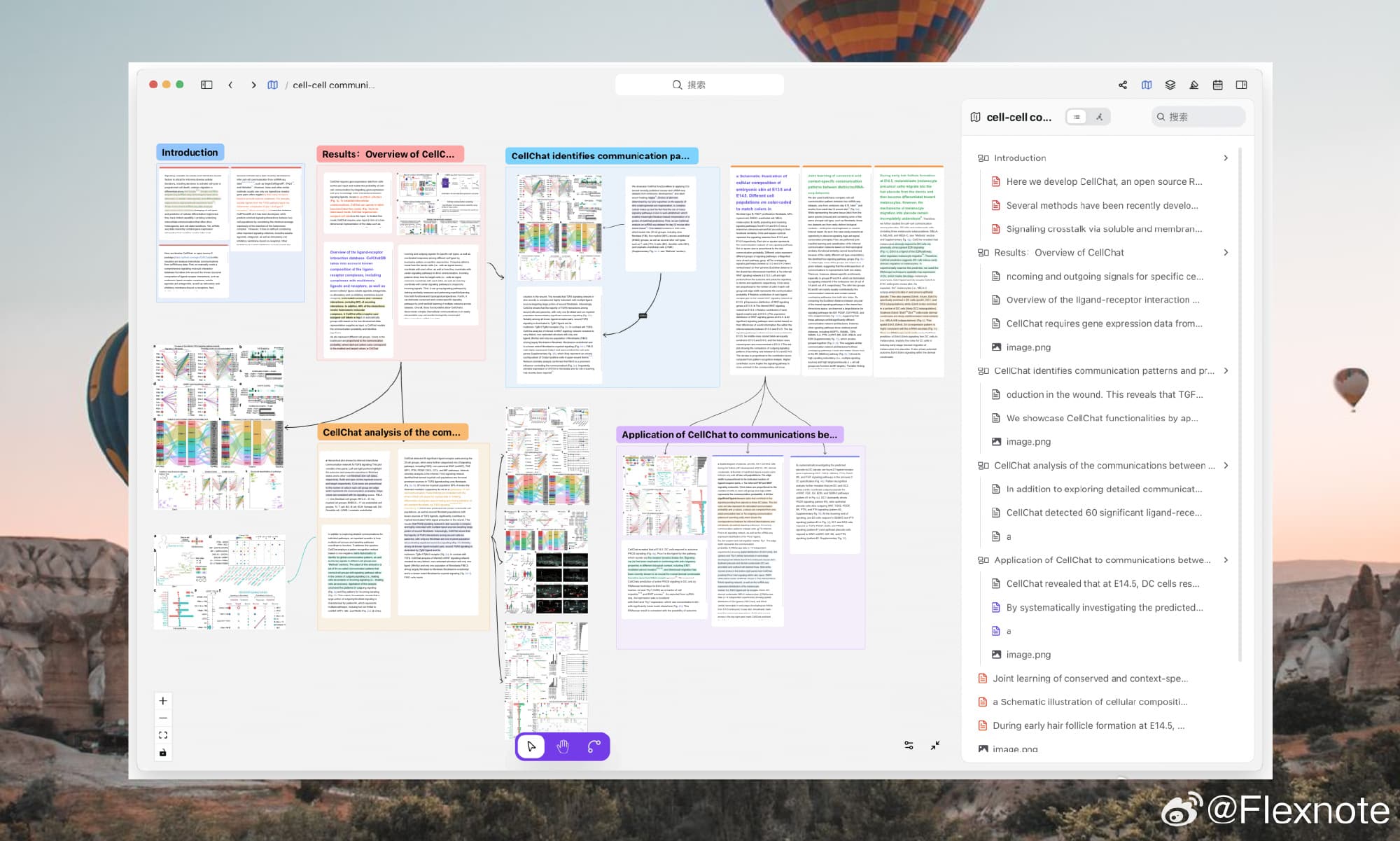
Place files on the canvas to highlight, annotate, and generate linked knowledge cards.
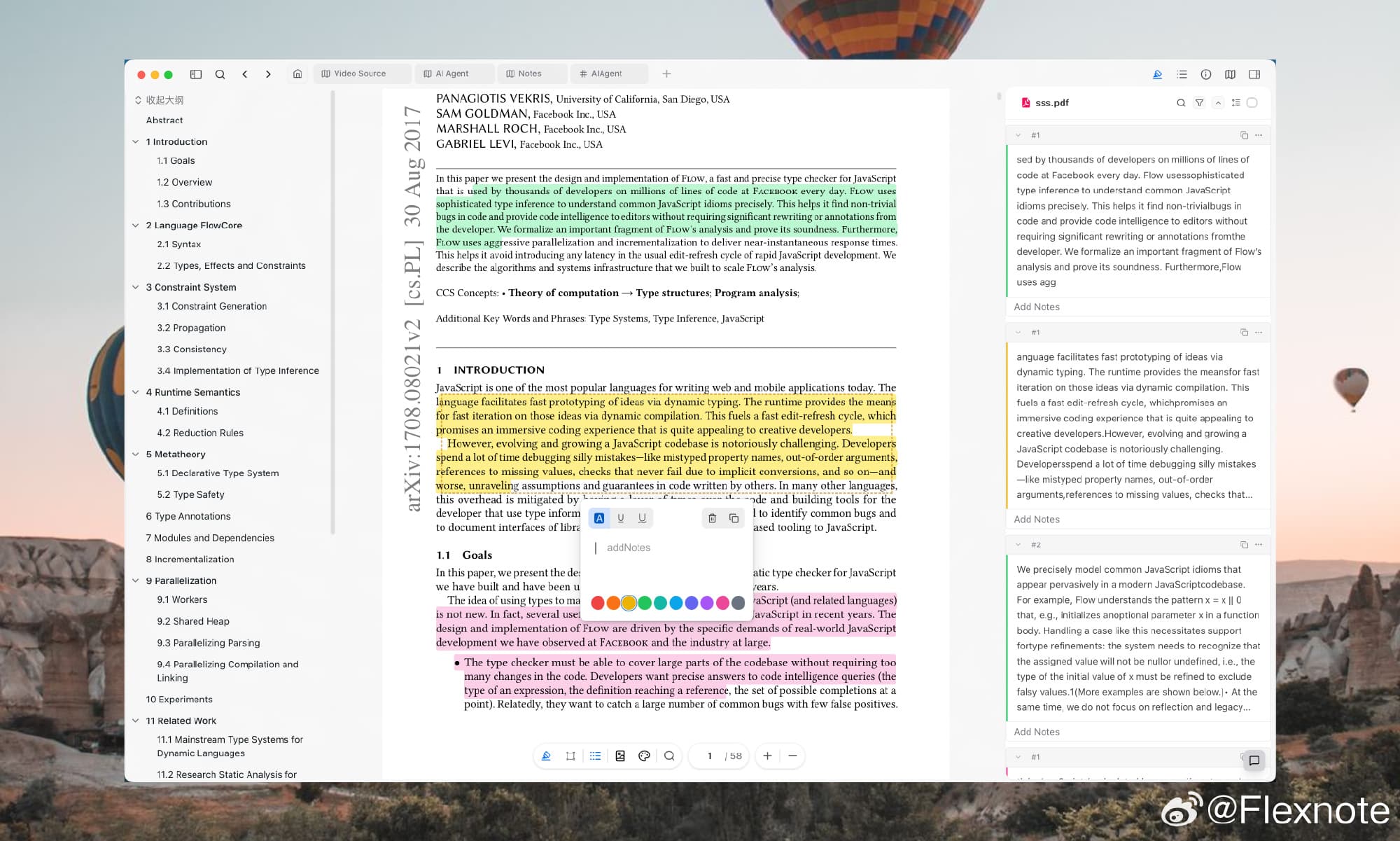
Read and highlight PDFs on canvas
- Multi-page PDF reading
- Highlights become reference cards
Timestamp video annotations
- Major video platforms supported
- Timestamp cards link to canvas
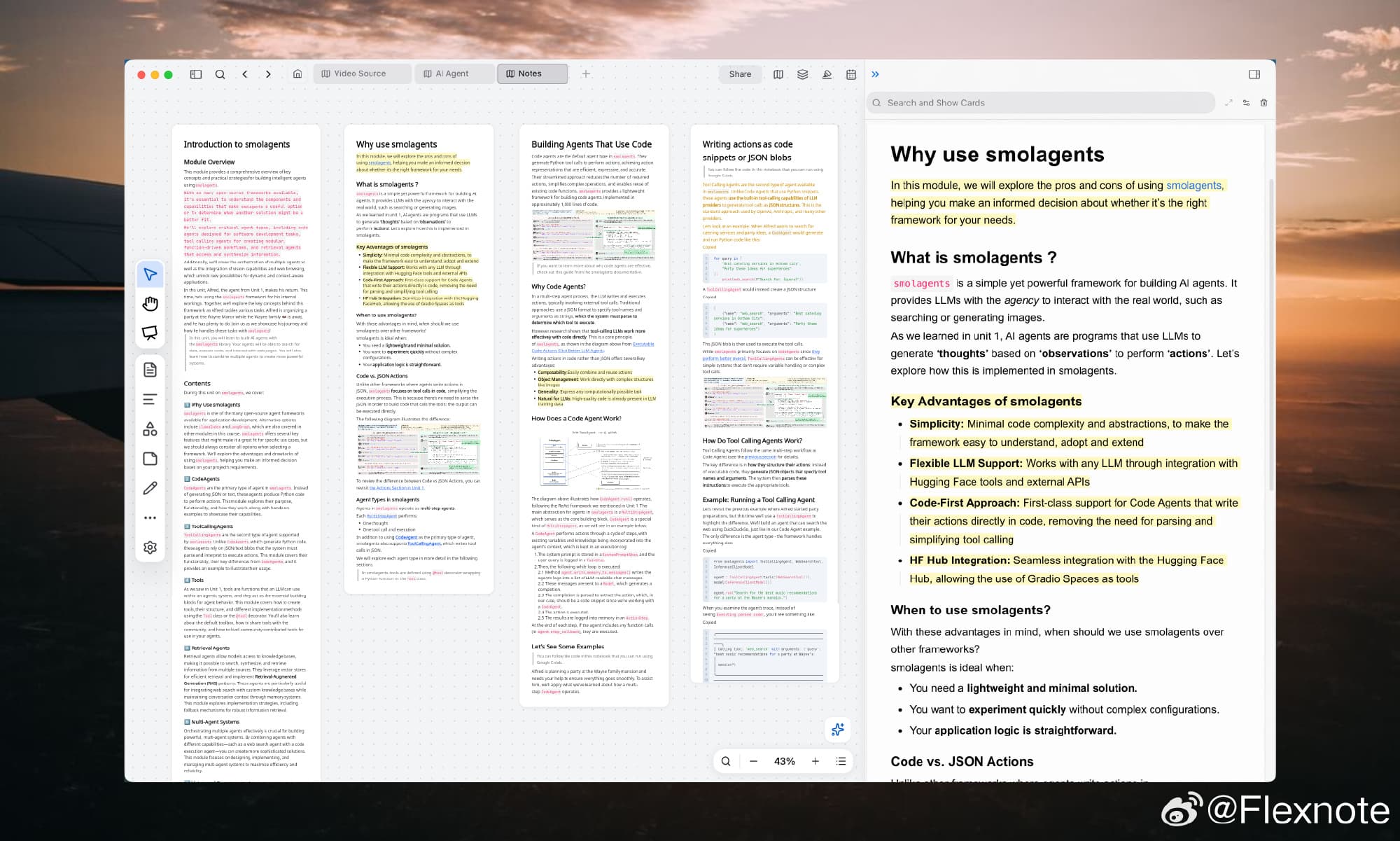
Read, highlight, and learn on canvas
- Multi-column cards for deep reading
- Highlights sync to the side panel
Type @ to build your knowledge network
- Native Markdown editing experience
- Bidirectional links connect cards automatically
Local-first storage. You control the data.
Flexnote is local-first. Files are stored on your device by default and do not depend on an official cloud. To sync across devices, connect your own WebDAV, S3, or OneDrive.

Publish online with one click.
Turn any canvas into an interactive webpage instantly. Share your knowledge base, mind maps, or project flows with anyone via a simple link—no account required for viewers.
- View-only interactive canvas
- Password protection support
- Custom link generation
Custom canvas engine. Smooth at 10,000+ nodes.
Flexnote uses a custom rendering engine. Panning and editing stay at full frame even with 10,000+ nodes.
Flexnote for every workflow
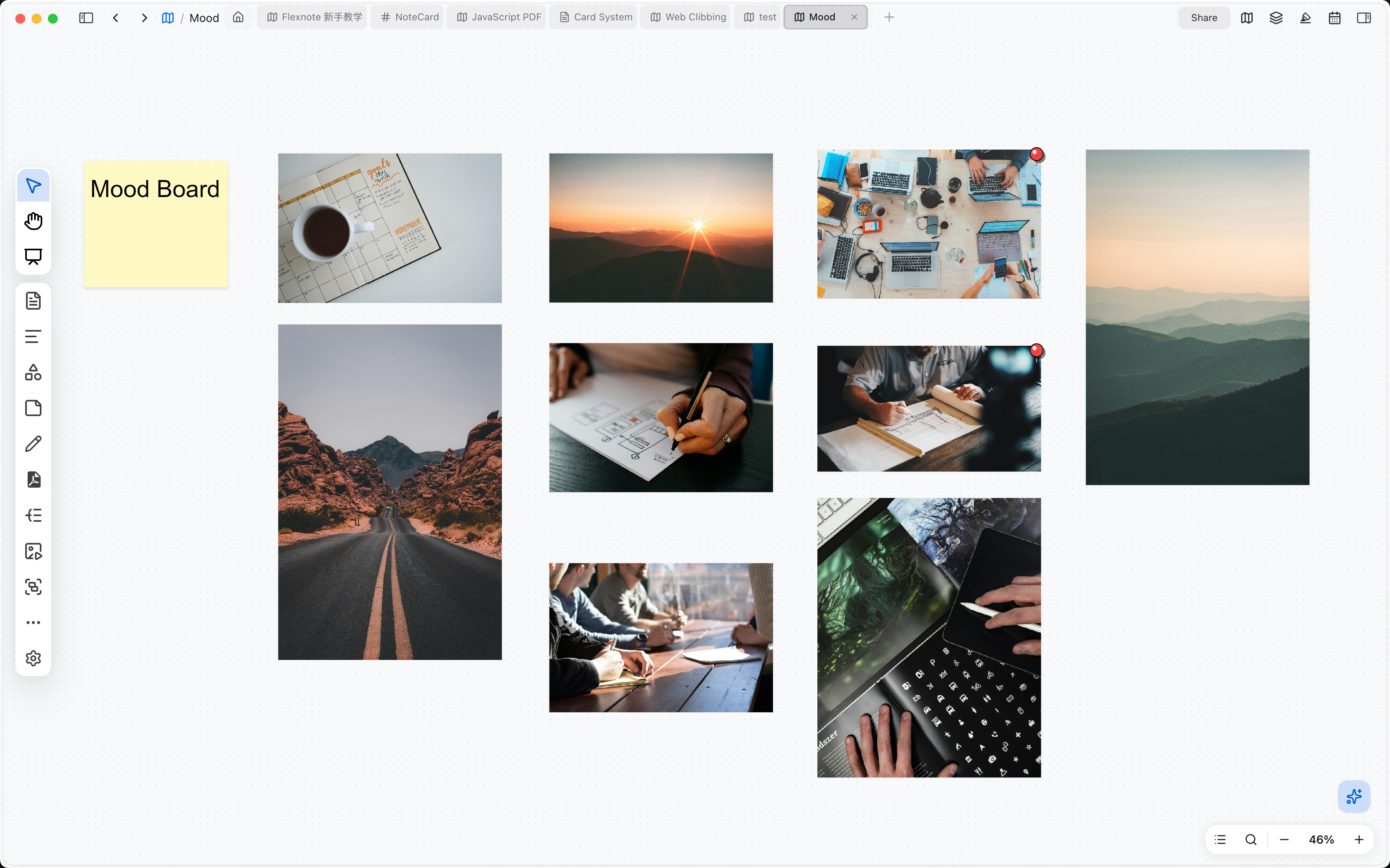
Loved by visual thinkers.
Join scientists, researchers, and designers leveraging endless canvases.
Download Flexnote and start visual note-taking
Available for Windows and macOS. Local-first, with data stored on your device by default.
FAQ
What is Flexnote?
Flexnote is a local-first visual note-taking application. Notes are organized as cards on an infinite canvas and connected through bidirectional links. Flexnote also supports mind maps, PDF highlighting and annotation, and timestamped notes for YouTube, Bilibili, and other video sources.
Is Flexnote free?
Flexnote offers a free plan that includes 3 whiteboards, 100 cards, core canvas features, and local storage. Unlimited whiteboards, Flexnote AI, and cloud sync are available on the Pro and Lifetime plans. Current pricing is listed on the pricing page.
View pricing plansWhere is my data stored, and does Flexnote work offline?
Notes are stored on your local device by default and are not uploaded to Flexnote servers, so editing remains available offline. Cloud sync is disabled by default. For multi-device sync, you can connect Baidu Netdisk, OneDrive, S3, or WebDAV, and your credentials remain under your control. Flexnote does not use your notes to train models.
Read the privacy policyWhich platforms does Flexnote support?
The desktop app supports Windows 10 or later (64-bit) and macOS 11 or later, and an Android app is available. The web version currently only lets you view whiteboards online. A full web app is on the official roadmap and scheduled for development. The iOS app is in development.
Download FlexnoteDoes Flexnote support PDF and video annotation?
Yes. PDFs can be highlighted and annotated directly on the canvas alongside other note cards. Video annotation supports local files, YouTube, Bilibili, and other sources, with notes linked to specific timestamps.
What is the Flexnote AI smart index quota, and do I need to buy it separately?
The smart index quota is a point balance for processing note text and text in images, so semantic search, knowledge-base Q&A, and content retrieval can find the right notes. It is billed separately from AI chat. Chat uses your own API key, and the model provider charges that usage. Upgrading to Pro (quarterly, yearly, or Lifetime) includes 3,000 points, roughly enough for 4,000 ordinary notes of about 500 characters. You do not need to buy more to get started. If you run low, you can buy a one-time pack. Purchased points stay on the account and do not renew. When the quota is used up, keyword search and AI chat still work. With a long document or PDF, the chat has less of the file to draw on.
View pricing plansHow does Flexnote compare with Notion and Obsidian?
Notion is built around a cloud workspace with a focus on team collaboration, while Obsidian is built around local Markdown files. Flexnote combines an infinite canvas with local storage, bringing notes, PDFs, and videos together on a single canvas for individual learning and research.