
Use cases
Creative writing whiteboard
From idea to draft, the writing can be completed on a single canvas. Collect ideas, rearrange cards, and write the text in the cards. Images, video, and web pages can also be placed on the canvas for reference. Files stay on your computer.
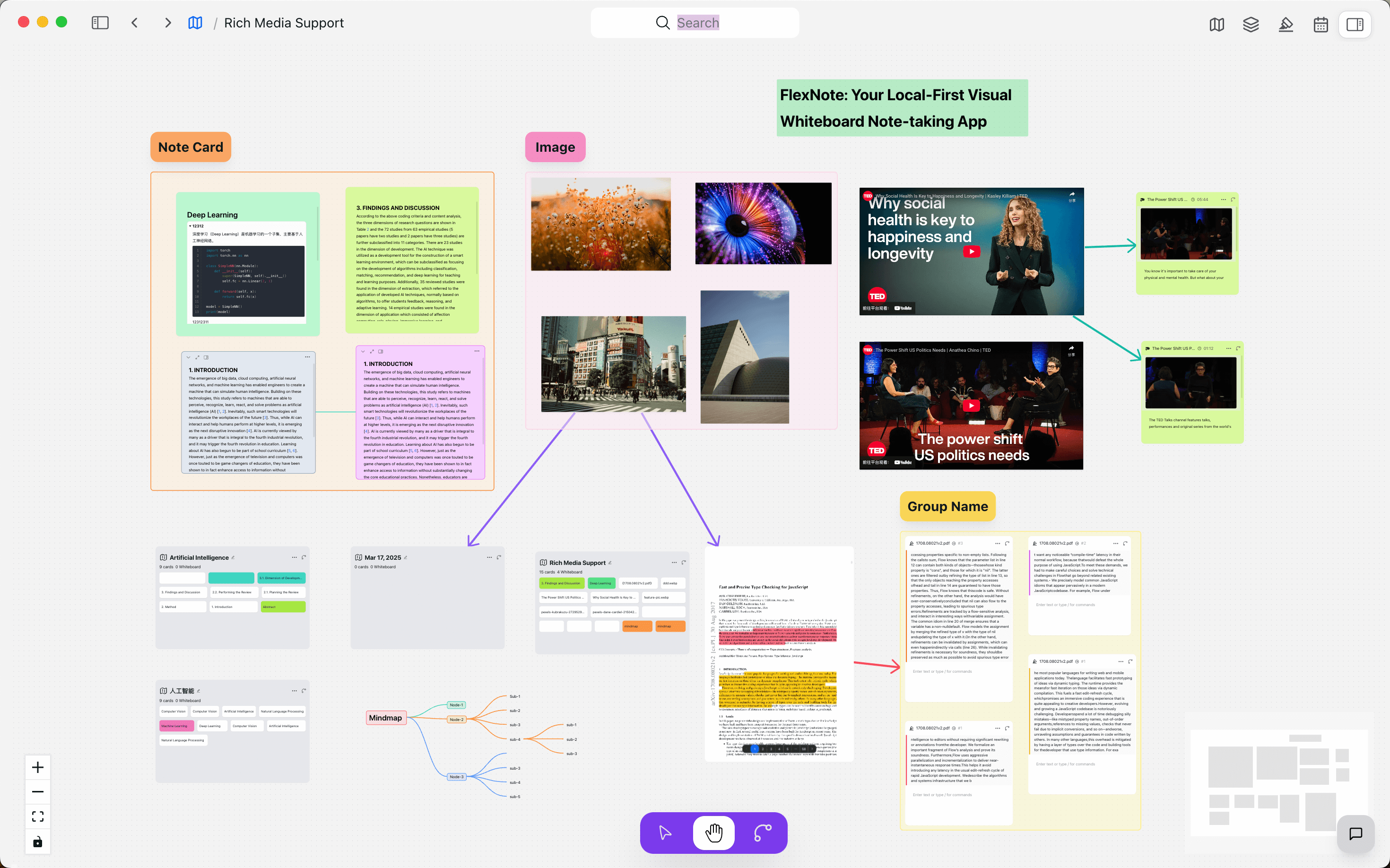
01
Lay out ideas on an infinite canvas
Ideas, excerpts, and unfinished passages can be kept in one place, added to and rearranged at any time, without being limited to the linear structure of a single document.
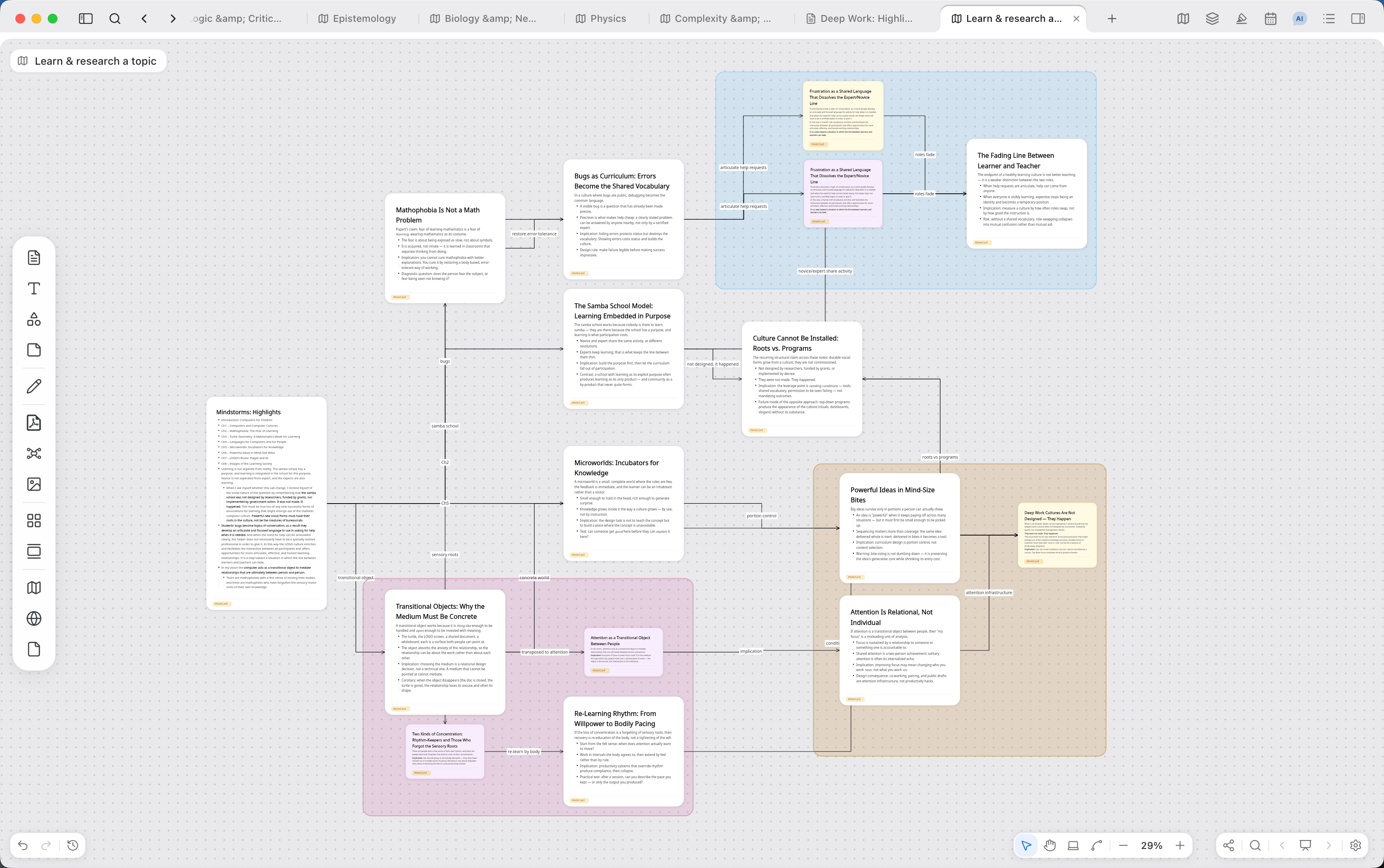
02
Rearrange at any time, and write in the cards
Drag cards to adjust the structure, then develop selected parts into full text. Titles, dialogue, and chapters can be written in Markdown directly in the cards.
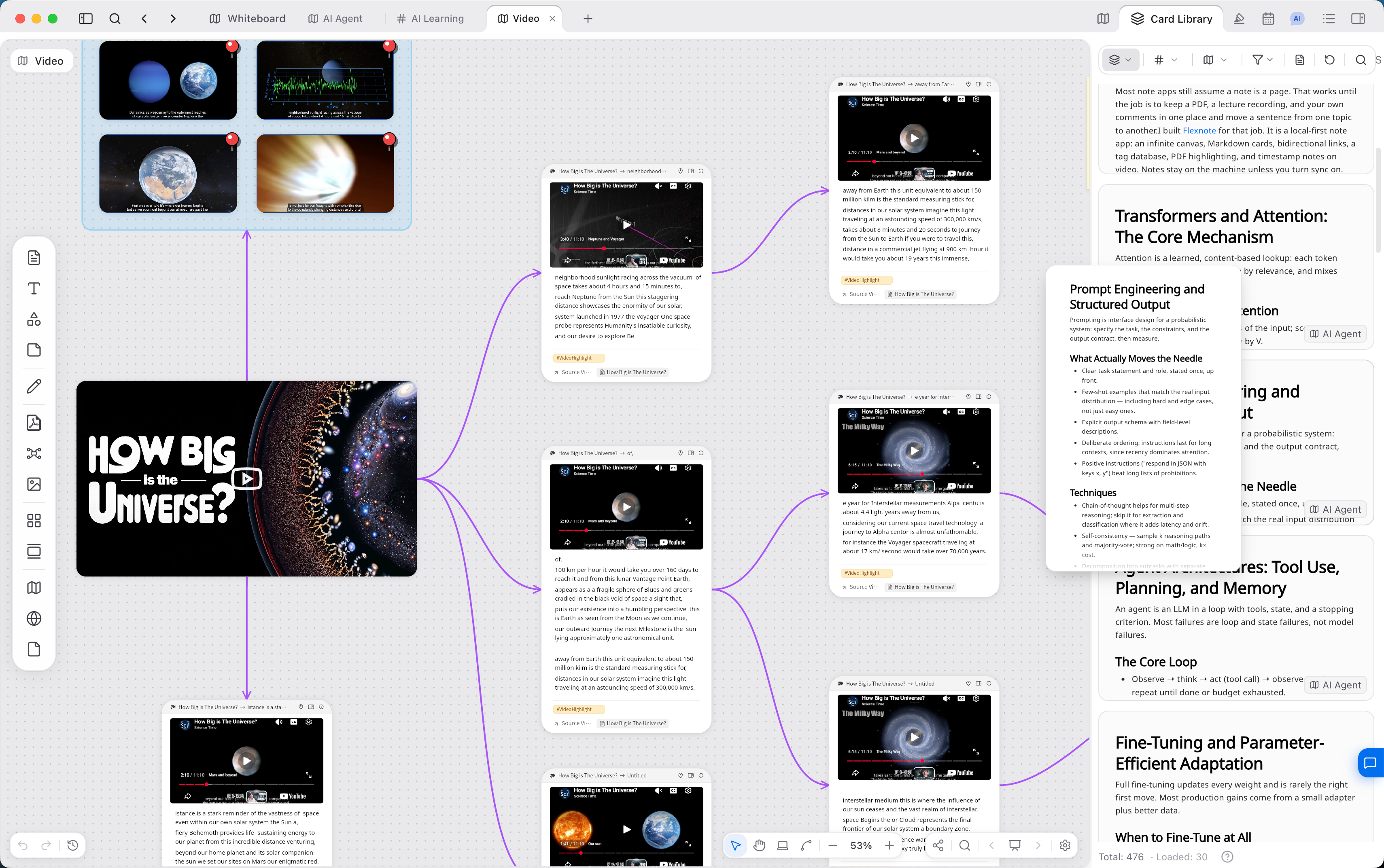
03
Keep reference material at hand
Images, video, links, and web pages can be placed on the canvas and consulted while writing, without opening a separate window for each.
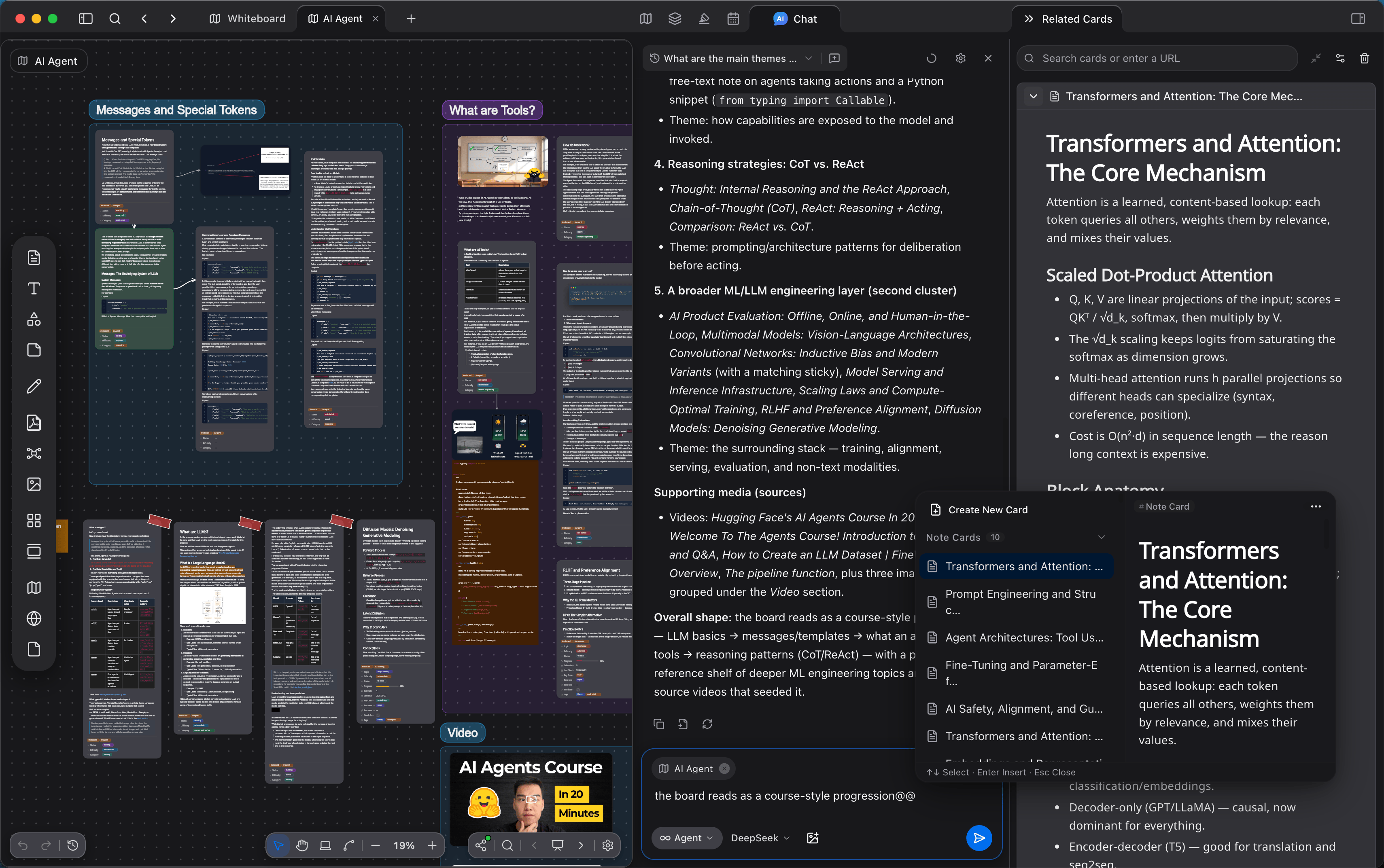
04
Keep the structure of a long work visible
Group and connect cards by character, plot, or chapter, and let related ideas reference one another. The shape of the work remains visible on the canvas.
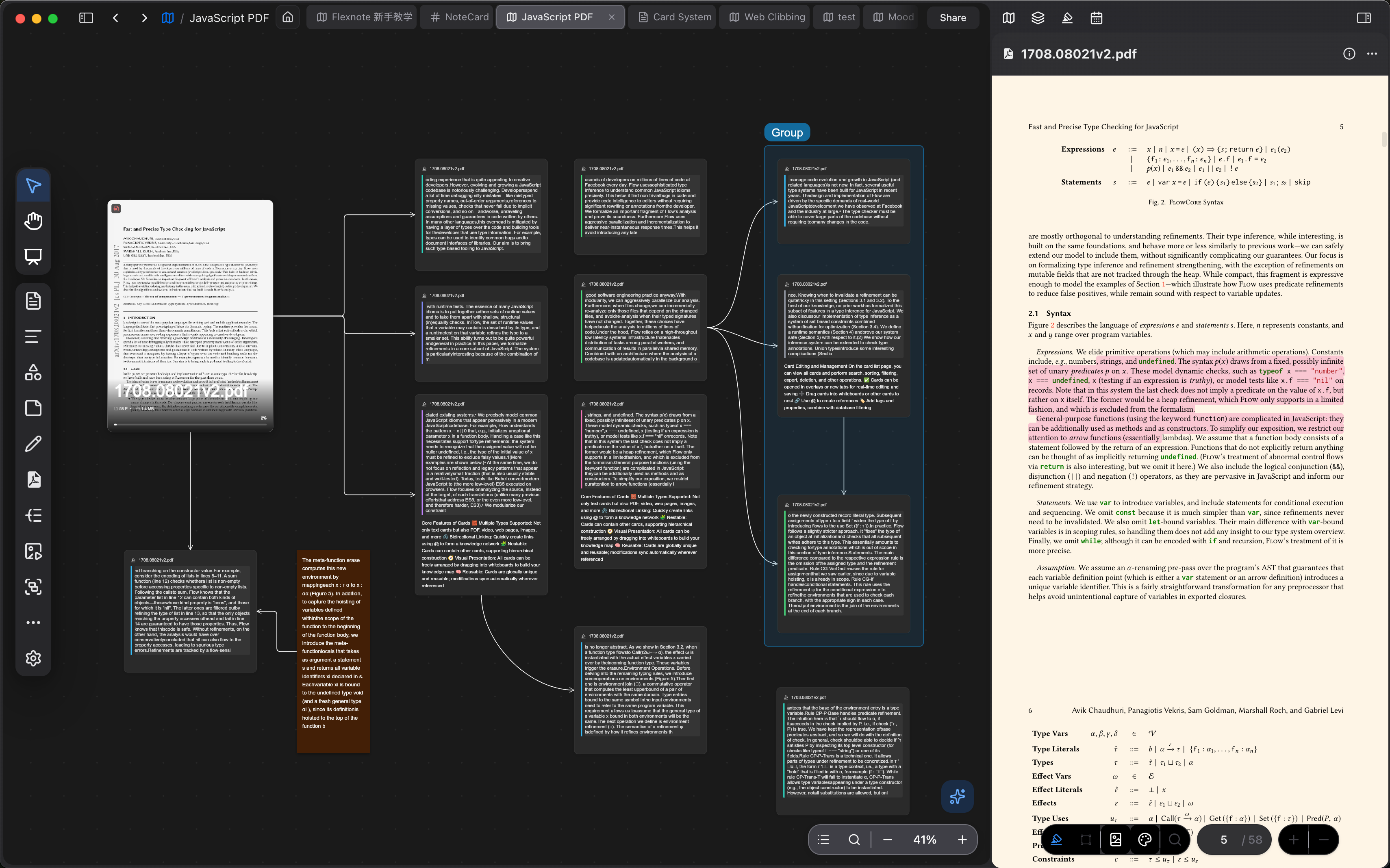
Features for creative writing
Ideation, writing, and organization take place on one whiteboard.
- 01
Drag cards and source material to adjust the structure at any time
- 02
Develop a writing plan on an infinite canvas
- 03
Capture ideas as cards and connect them
- 04
Use links to show how ideas relate
- 05
Continue planning and writing offline
- 06
Notes stay on your computer by default
Creative writing FAQs
How do I start writing?
Open a whiteboard and turn sentences, characters, or images that come to mind into cards. Choose a starting point and continue from there. A complete chapter is not required at the outset.
How is writing on a whiteboard different from writing in a document?
A document is typically written page by page. On a whiteboard, structure, source material, and body text can be viewed together. Characters and plot can be rearranged at any time, without switching among multiple files.
How do I manage a long writing project?
Divide the board by chapter or plot line, and use groups and connections to mark characters and threads. To see the whole work, zoom out on the canvas, or switch to a mind map. Files stay on your computer by default.
Start your next piece of writing
Download Flexnote, create a whiteboard, and turn your first idea into a card. Available for Windows, macOS, and iOS.
Download Flexnote